
A photo of a lunch bowl is a surprisingly hard thing to turn into a number. There is no barcode, the portion is whatever the kitchen felt like that day, and half the ingredients are hidden underneath the other half. Calybite breaks the problem into three smaller ones.
1. Recognition
The first pass names what is on the plate. Not just “salad” but the components: chickpeas, quinoa, avocado, roast sweet potato, a boiled egg. Component-level recognition matters because the calorie spread inside a single dish name is enormous — two bowls both called a grain bowl can differ by four hundred calories.
2. Portion estimation
Each component gets an estimated weight, using the plate and the surrounding frame for scale. This is the step with the widest error bars, and the reason the app shows you the result before saving anything.
Nothing is logged until you tap Save. If a portion looks off, fix or replace the item and the macros recalculate instantly.
3. The database lookup
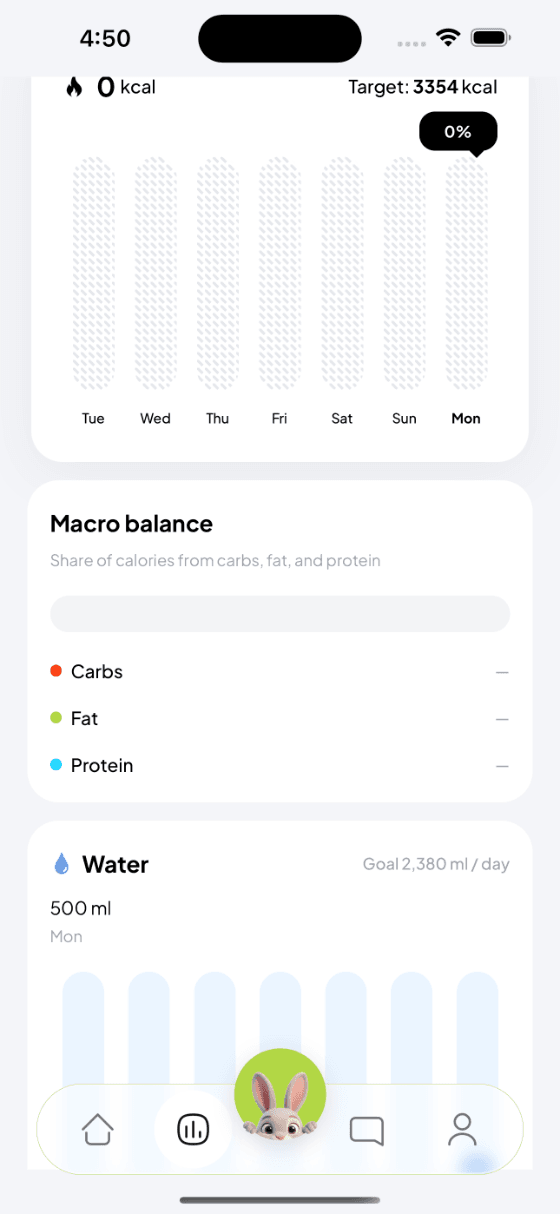
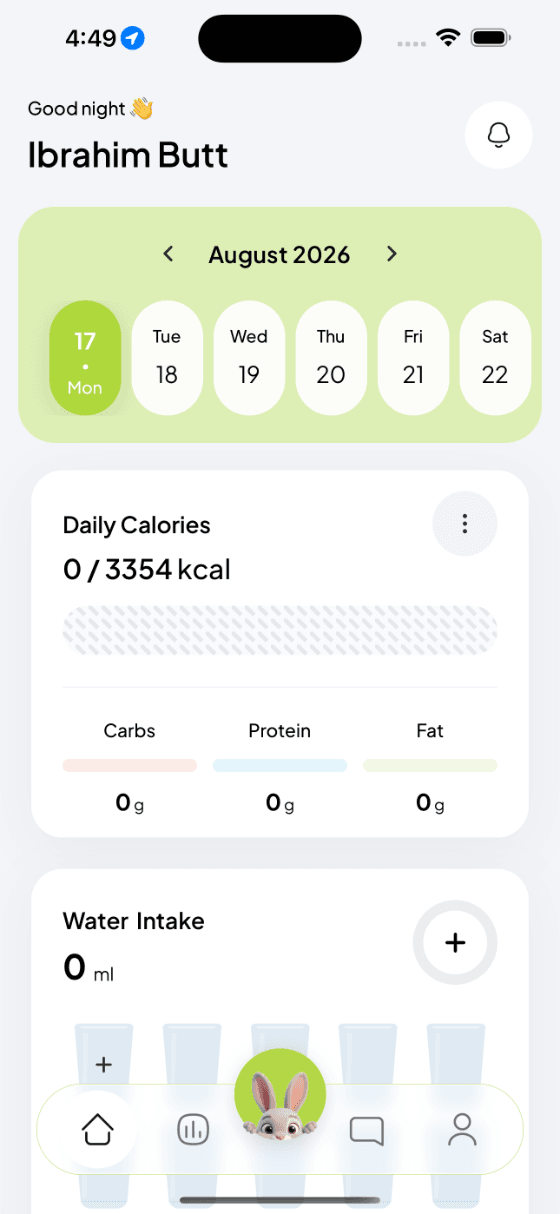
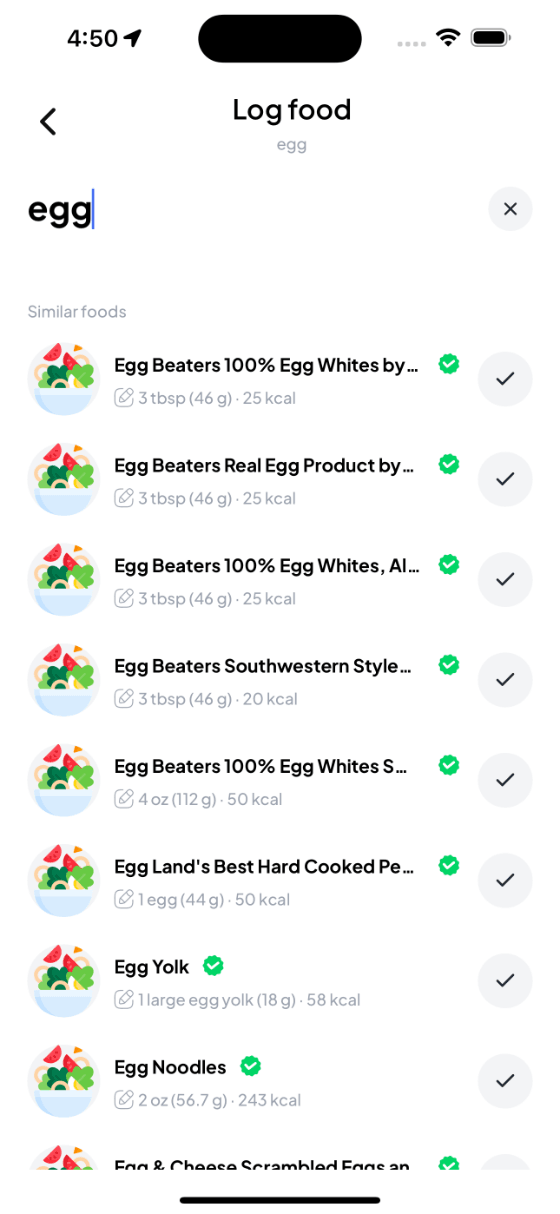
Named components and their estimated weights are matched against verified entries in OpenNutrition. That produces the calories and the carbs, fat and protein split you see on the review screen — the same numbers that feed your daily totals, your macro balance and the weekly chart.
Where you still beat the model
You know whether the dressing was olive oil or vinaigrette, whether the chicken was fried, and how much rice was actually left on the plate. That is why the review screen exists, and why a correction takes one tap rather than a re-scan.
Over a week, the accuracy that matters is not any single meal. It is whether you logged at all. Four seconds and a bunny turn out to be a reasonable price for that.